Get the latest Wi-Fi 7 technology for your whole home, plus advanced online security features to protect your network and devices.**
$30
/mo.
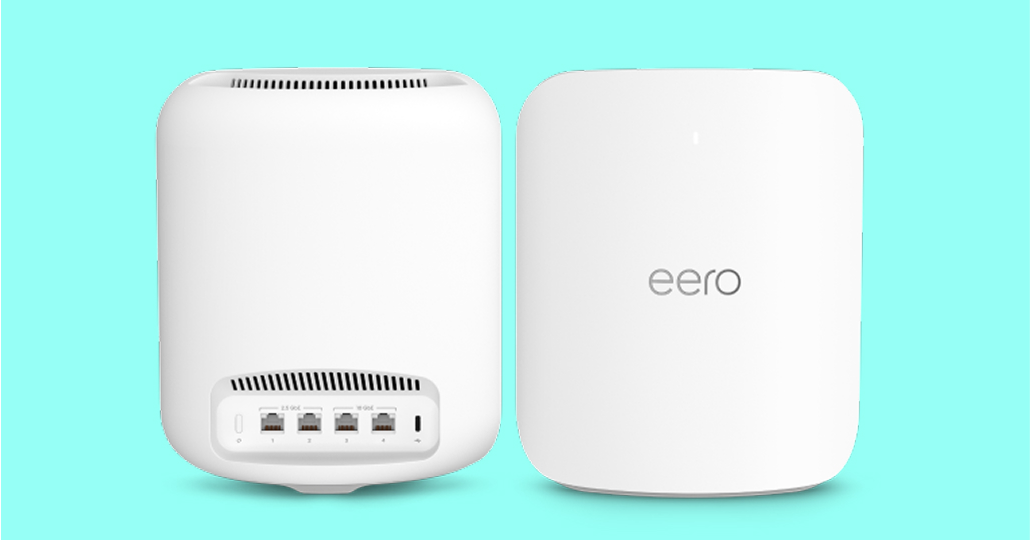
Whole-Home Wi-Fi Plus gives you up to two eero Max 7 devices equipped with Wi-Fi 7 technology, the best Wi-Fi ever.
eero Max 7 intelligently prioritizes devices for high-demand activities like streaming, gaming, and video calls for a premium experience.
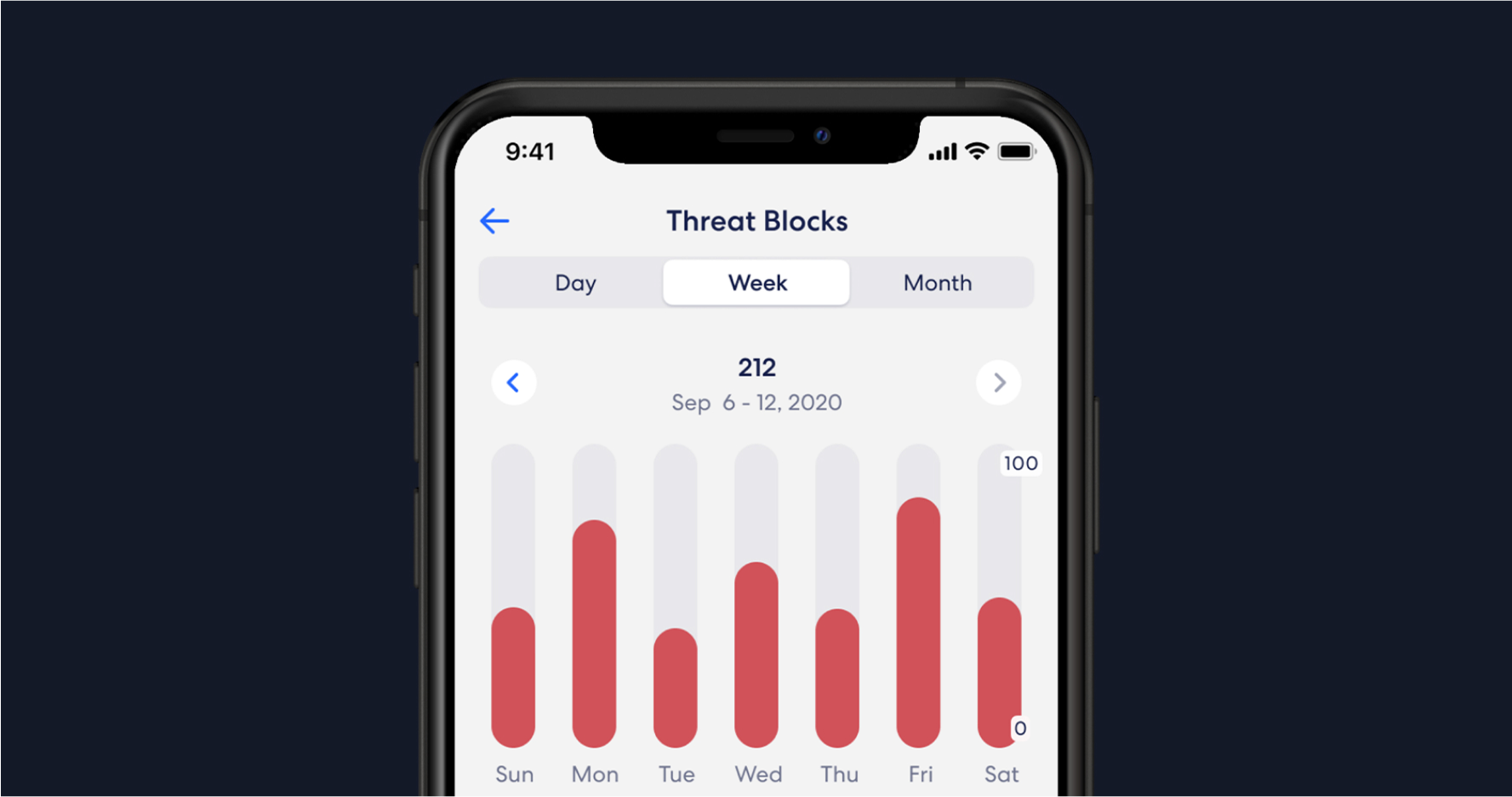
Help protect your devices and data from online threats with Wi-Fi Security Plus’s advanced network security features.
You will receive up to two eero Max 7 devices – a retail value over $1,000 – to supercharge your Wi-Fi. Simply follow the easy set up instructions and enjoy powerful Wi-Fi 7 coverage through your home.
A complete online security tool for everywhere you are—at home and on the go. Protect your devices with advanced security software, VPN*, password manager, parental controls, and ad-free browsing.
We’ll send you two eero Max 7 devices to improve your Wi-Fi coverage.
Setup is quick and easy with the simple step-by-step instructions included in your installation kit.
Set up your account in the app to begin using the security features.
Have you ever experienced Wi-Fi dead spots in parts of your home? Those rooms where you get a weak signal or have trouble connecting to your network? Whole-Home Wi-Fi Plus can help boost your signal so you have a better connection in every room with the best Wi-Fi technology available.
Whole-Home Wi-Fi Plus includes two eero Max 7 devices with the latest Wi-Fi 7 technology, plus complete online security for your network and devices with Wi-Fi Security Plus, including advanced security software, VPN, password manager, parental controls, and ad-free browsing.
Select “Add to cart.” Then, select “Review order” to get an estimate of your new monthly bill and see your order summary. Place your order and that’s it! We’ll send you an order confirmation with all the details including when you can expect your Self-Installation kit.
If you switch to Whole-Home Wi-Fi Plus, you’ll lose your monthly credits for Whole-Home Wi-Fi and Wi-Fi Security. You will then be charged for Whole-Home Wi-Fi Plus at the current standard rate.
We designed our Self-Installation kit and step-by-step instructions to help you get up and running in minutes. If you do need some extra help, just chat with us for support.
There’s no contract and you can cancel at any time. Whole-Home Wi-Fi Plus is billed at the start of your billing cycle and is not prorated if you cancel during a billing period. You’ll need to return any devices included as part of Whole-Home Wi-Fi Plus at the time of cancellation. We’ll send you an email with detailed equipment return instructions and next steps.